3 min read
MUN™ OS dev.4: a lighter, better organised console
The new MUN™ OS preview brings a new start-up, Settings in six sections, two ways to reset, less interface memory and a third Game Card to try MUN Shape.
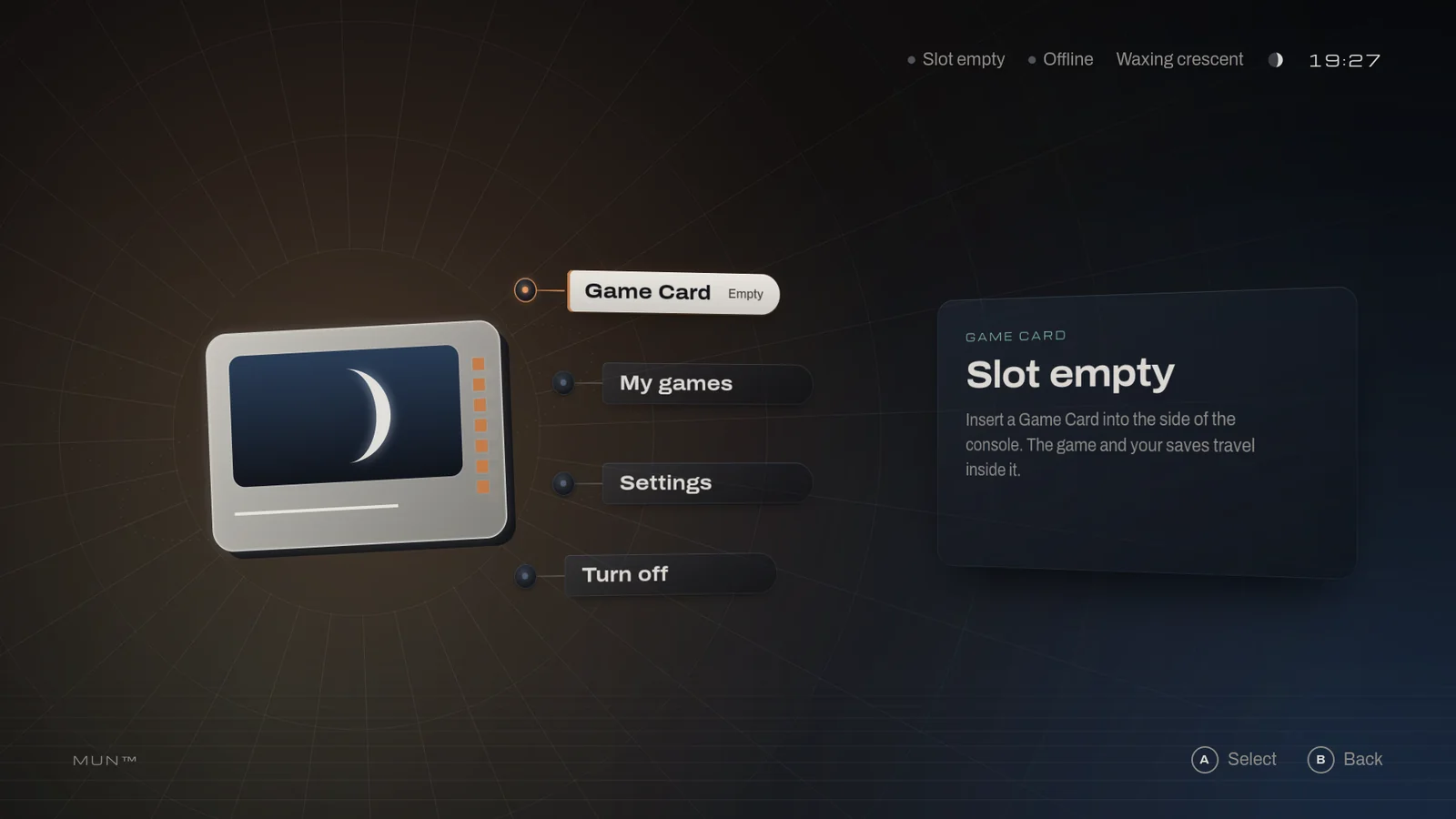
v0.1.0-dev.4 of MUN™ OS is out. It is an experimental preview for QEMU: there is no MUN hardware yet, and it is not a supported release.
A new start-up. The console wakes in the dark, over a new sound: the amber light comes on, breathes and grows into the console's oval; a hit lights the lid from behind and a gleam runs along the MUN engraved on it; MUN arrives, and the moon comes out of an eclipse. "A Skip" shows as soon as the system is ready, and Reduce motion takes out the shake, the tremor and the flicker.
Settings, in six sections: Display, Sound, Appearance and accessibility, Language and time, Network, and System. Each option either works, shows the value the system has, or says it is not available yet. The account, which did nothing, is gone: nothing in Settings needs one.
Reset settings and Reset console, in Settings › System. The first puts every setting back to its default but the language. The second returns the console to how it was the first time it started: the settings, the system's history and the interface's caches go; the system, its version and everything on a Game Card stay. It asks twice, refuses while a card is in the slot or a game runs, and a reset cut short finishes at the next start. It is not a reinstall or a secure erase.
Less interface memory. Measured in the virtual console, the interface takes 18 % less memory at 1080p and 25 % less at 1440p than in dev.3, with the new start-up included. That is the interface's memory, measured in the virtual machine with software rendering: it is not the whole system, and it says nothing yet about the console's board.
Bounded storage. The system journal is capped at 32 MiB, and the packages' translations, which no program in the image loaded, are gone.
A third Game Card in the download: MUN Collect dressed in the sea MUN
Shape sample. Seeing it needs no card tools:
./mun play --card collect-sea.
For contributors, a map of where to change what, and how to check it, in English and Spanish. The bytes of a Game Card image no longer depend on the second it is built in or on the computer's language, and the README says what MUN OS is, what you can do with it today and how to join.
Where it was checked. On a Mac with Apple Silicon, with a window, keyboard and sound: the whole path, from download to power-off, with the console in Spanish as well. On macOS, Linux and Windows, headless, on GitHub's virtual machines and on the published files. Outside the Mac, nothing has been tried with a window, keyboard or sound; and on MUN hardware, nothing, because it does not exist yet.
Try it:
git clone https://github.com/Play-MUN/mun-os.git && cd mun-os
./mun get https://github.com/Play-MUN/mun-os/releases/download/v0.1.0-dev.4/release.json
./mun play --card collect
If you played an earlier preview, your play console keeps that image:
start this one by name, in a console of its own, as
getting started, section 3
explains. Your cards and their saves work in both.
Step by step, in the guide on the site and in getting started. Everything else, limits included, in the full release notes.