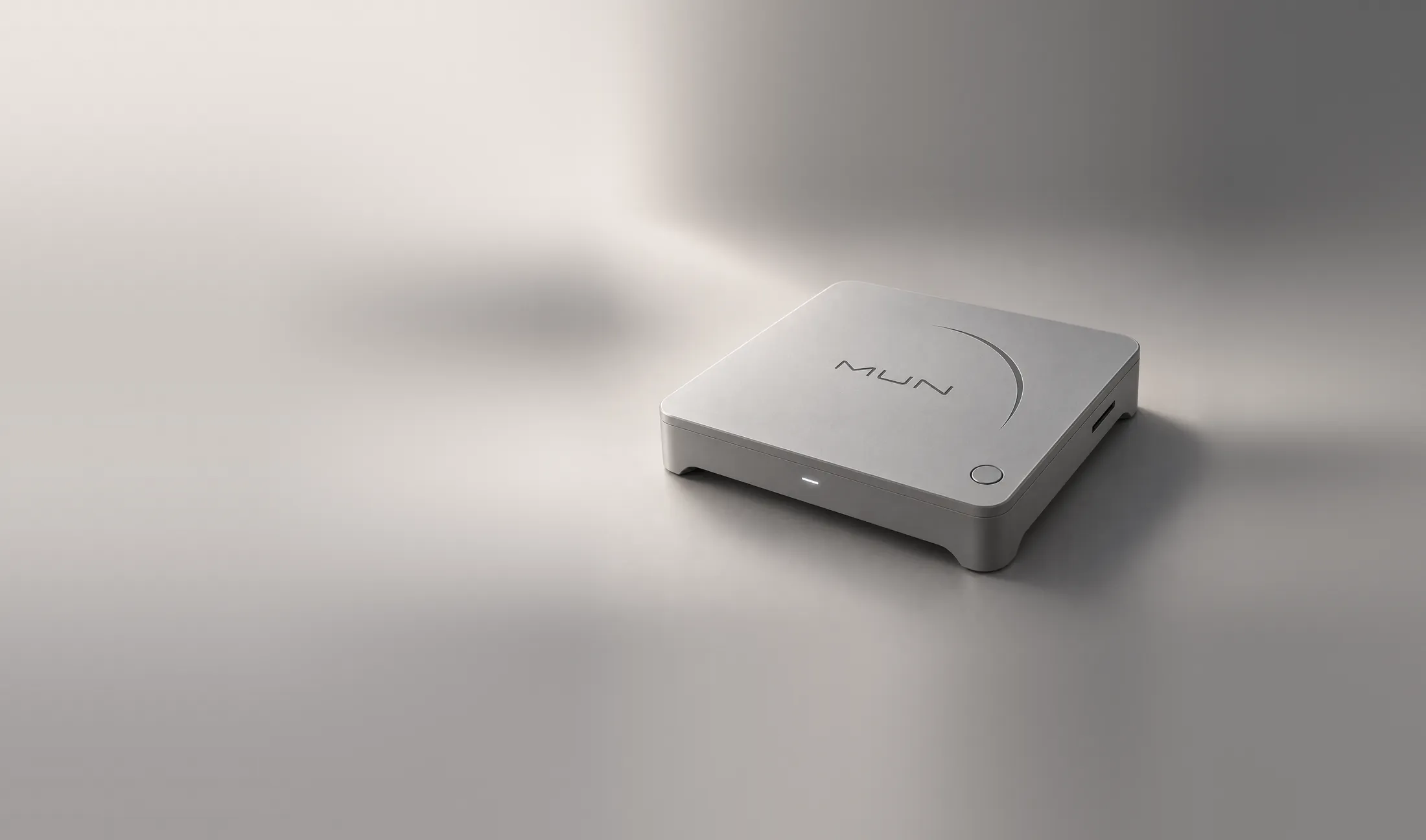
A physical console, in development
The game was always yours.Why not now?
With MUN, a Game Card is all you need to own your game and play it, with no account and no connection.
The philosophy
The game is the star. MUN is its stage.
- Buy.Buying a game means owning it again.A legitimate Game Card starts its game with no account and no activation server.
- Own.What’s yours travels with you.Your saves live on the card and carry on at another console.
- Play.Insert it and play.No connection and no library to manage. When updates exist, the original version will still be there.
The console
Small. Full of character. Yours.
Switch it on, slide the game in, and play.
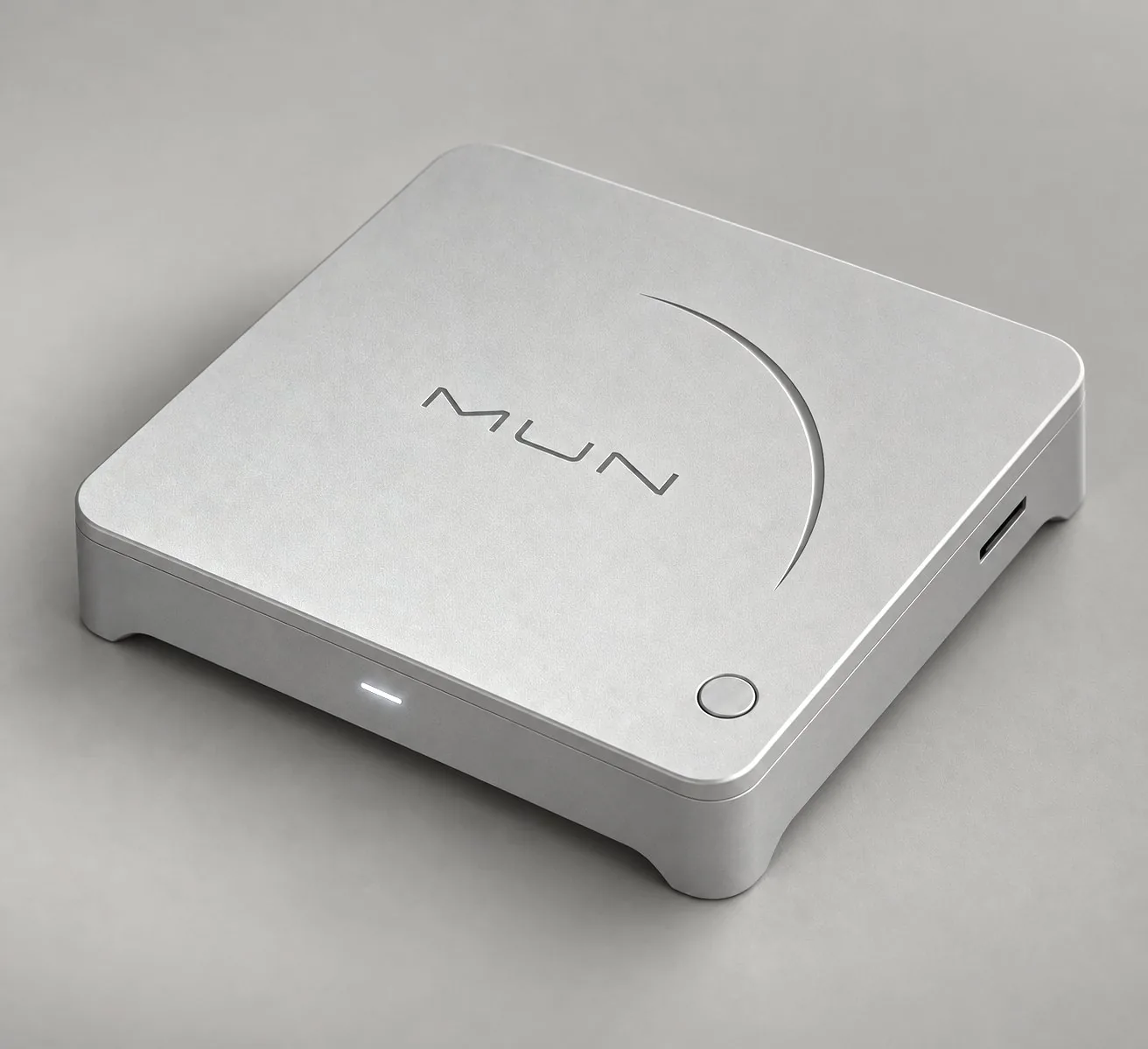
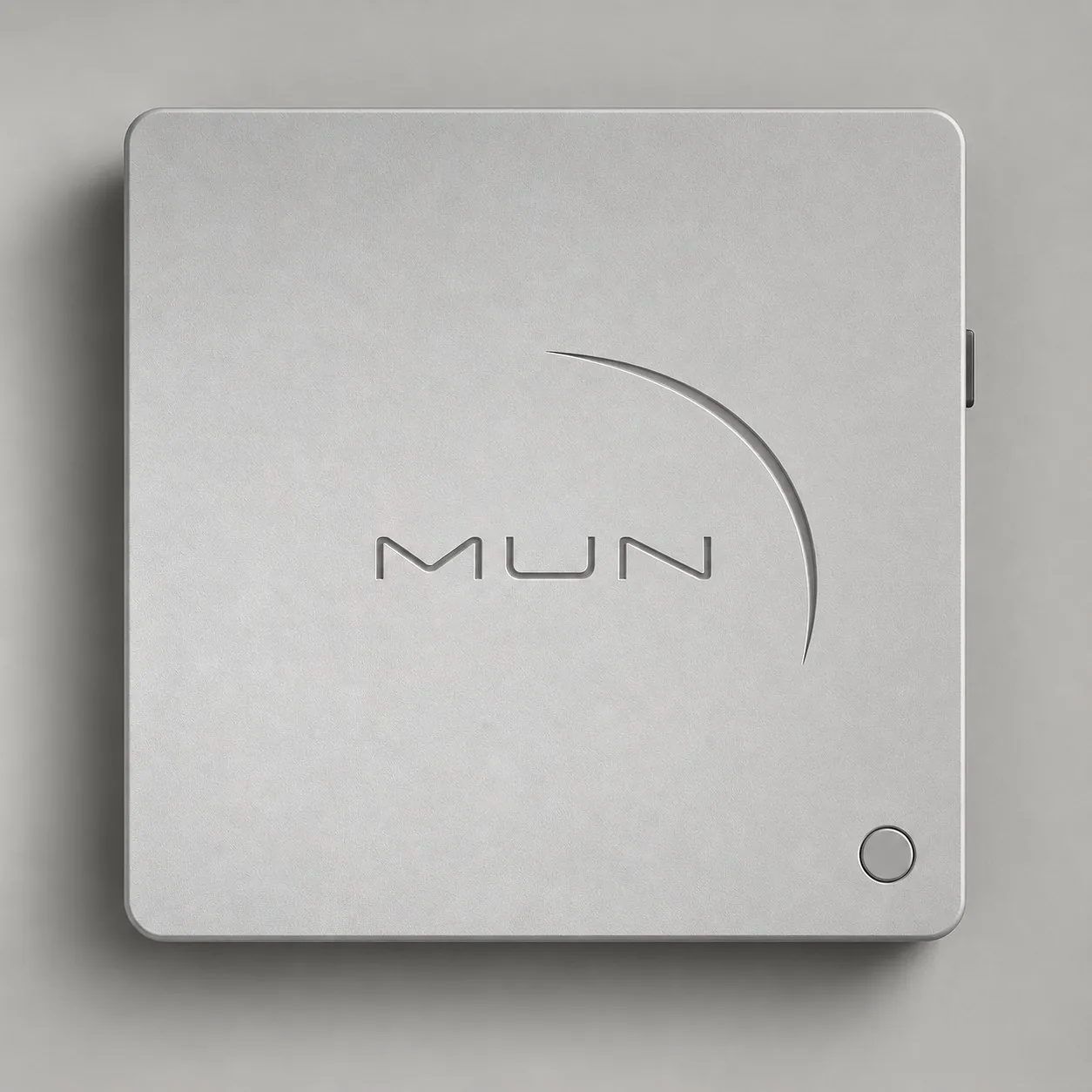
- PowerOne press. Straight to the game.
- StatusOne light. Says just enough.
- Game CardThe game slides in from the side.
- MoonCarved into the lid. Our signature.
- PlanA square of lunar grey. Nothing extra.
- Size130 × 130 × 36 mm. A design target, provisional until the hardware is validated.
Design renders. The physical unit is validated before it is promised.
The board Coming soon
One board, the official one.
MUN will have a single official configuration, ARM64. We are taking our time to choose it, weighing everything together.
01ARM64 SoCCPU, a GPU with Vulkan and an NPU on one chip.
02Memory and storageMemory next to the processor and at least 32 GB of storage, for the system and recovery. Your games live on their Game Cards.
03Game Card readerOn the edge of the board: the game goes in here.
04Video and audioThe output to your screen.
05USBFor accessories.
06NetworkWired or wireless, optional. Playing does not need it.
What decides it
- Native games
- Vulkan
- Useful NPU
- Temperature
- Noise
- Cost
- Future
Development guide MUN OS 0.1.0-dev
Boot it on your system.
There is no hardware yet, but MUN OS already boots on a virtual console. Build it, make a Game Card and play.
MUN OS’s code is not available yet: we will publish it soon. These are the steps you will follow then.
A Mac with Apple Silicon, the Xcode command line tools and Python 3.9 or later. From Homebrew, QEMU and e2fsprogs.
$ brew install qemu e2fsprogsThe build downloads its pinned inputs and runs inside a disposable virtual machine. It needs about 10 GB free.
$ git clone https://github.com/Play-MUN/mun-os.git $ cd mun-os $ ./mun dev build --name oneA virtual card with MUN Collect, the test game.
$ ./mun card create collect --variant game \ --game .local/mun/builds/one/games/mun-collect/mun-collectIt boots in a window, with sound. Closing the window cuts the power.
$ ./mun dev run --guest first --windowFrom another terminal. In the window, choose Ver ficha and then Jugar. Arrows move, S saves to the card and Esc exits.
$ ./mun dev vm first card-attach collect
$ brew install qemu e2fsprogs
$ git clone https://github.com/Play-MUN/mun-os.git
$ cd mun-os
$ ./mun dev build --name one
$ ./mun card create collect --variant game \
    --game .local/mun/builds/one/games/mun-collect/mun-collect
$ ./mun dev run --guest first --window
$ ./mun dev vm first card-attach collect
A development image for QEMU. The official hardware configuration is still to be chosen.
Code on GitHub · Coming soonMUN doesn’t need a connection.You can follow it anyway.
Every step, every bug and every decision, in the journal.
Subscribe via RSSRead the journalGitHub Coming soon